Plan a Stronger Shrimp Farming Project: Use the Right Tools Before You Buy
Also in:EspañolPortuguêsFrançaisРусский
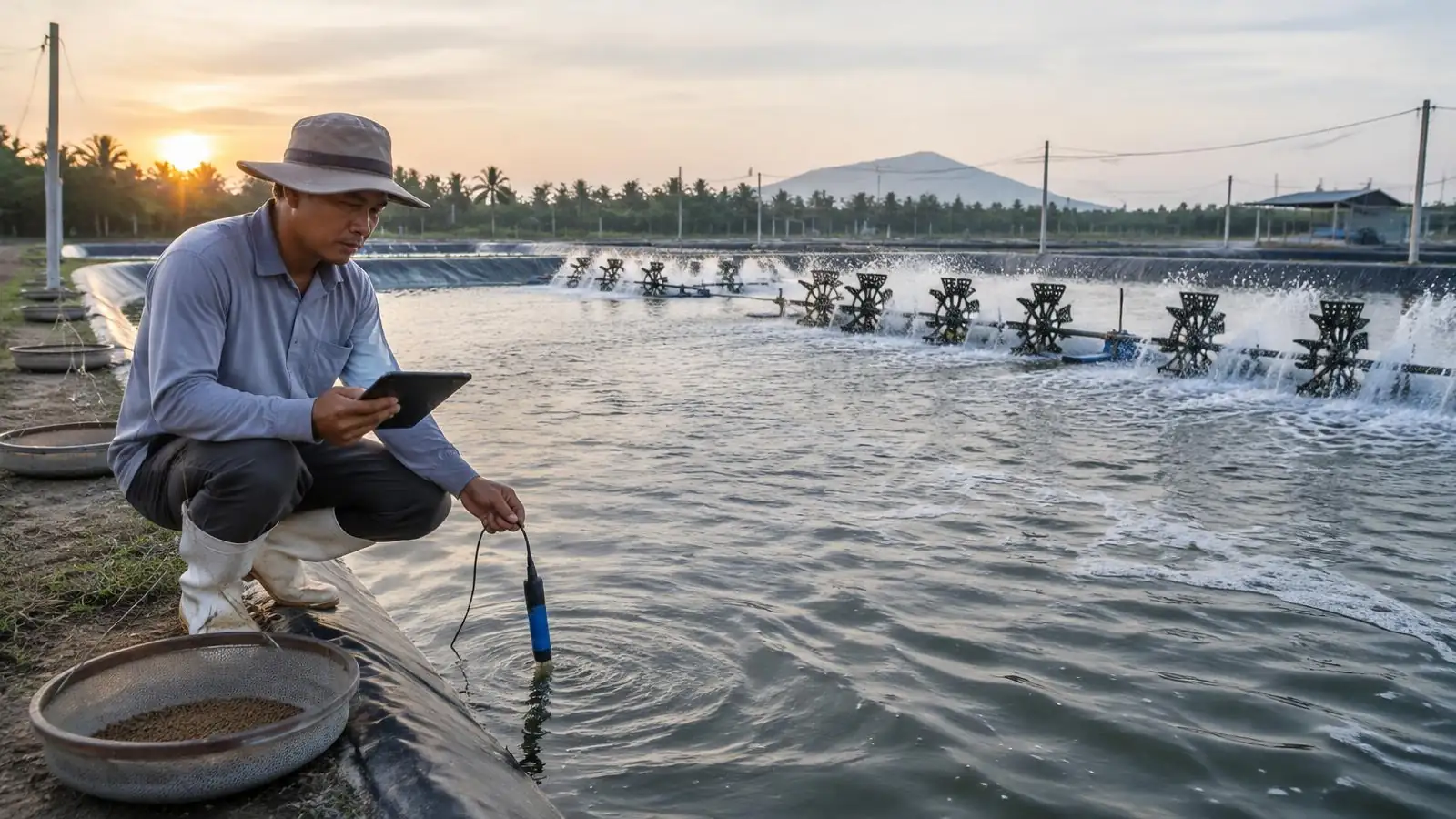
Short answer: before you buy shrimp farm equipment, turn the project into numbers you can defend. Measure the water volume, model harvest, survival and feed with your own assumptions, size aeration from the feed load, estimate capital cost and debt service, and then write a structured brief. FishMatch's buyer calculators do each of these steps for free. They give planning estimates, not promised yields or survival — the value is in seeing which assumption moves the result, so you know what to measure, ask suppliers about, or test.
Educational buyer guide, reviewed 13 October 2026. Every tool named here was checked on the live site. All buyer tools and calculators on FishMatch are free to use, with no sign-up needed for the calculators and no obligation to submit an RFQ, buy anything or hire us. Health problems or unexplained mortality belong with a local aquatic animal-health professional, not a calculator.
What is a shrimp farm planning calculator, and what can it not do?
A shrimp farm planning calculator applies a stated formula to the numbers you enter — area, density, survival, harvest weight, FCR, prices, power — and shows the consequence. It cannot tell you what survival or growth your site will achieve; that depends on species and strain, postlarvae quality, water, management and local conditions. Pre-filled values on each tool are examples so the page works; replace them with your records, a feasibility study, or written supplier figures. Each calculator page shows its formula and method, and the shared method notes are on the calculator methodology page.
Which tools should you use, and in what order?
| Stage | Tool | Question it answers |
|---|---|---|
| 1. Site and water | Pond volume calculator | How much water does each pond hold? |
| 2. Production | Shrimp farm calculator | What harvest, feed and gross margin do my assumptions imply per year? |
| 2. Production | Shrimp survival profit calculator | How much does survival change harvest and profit per cycle? |
| 2. Production | Biomass calculator | How much stock is in the pond now or at harvest? |
| 3. Feed and oxygen | FCR calculator | What was my real feed conversion over a period? |
| 3. Feed and oxygen | Feed budget calculator | How much feed and feed money does a year need? |
| 3. Feed and oxygen | Aeration sizing calculator | How much aeration power and backup does peak feeding need? |
| 4. System, cost, finance | RAS vs pond scenario | How do two production systems compare on my numbers? |
| 4. System, cost, finance | Commercial CAPEX calculator | What indicative capital budget fits this scale? |
| 4. System, cost, finance | Loan and DSCR calculator | Can projected earnings carry the loan? |
| 5. Brief and RFQ | Project intake and RFQ process | Is the project ready for suppliers to price? |
Step 1: How do you measure pond and water volume?
Pond volume calculator — calculates the water volume of an earthen or lined pond with sloped banks.
- Use it when: before sizing pumps, liming, water exchange, treatment doses or stocking, and whenever pond dimensions change.
- Inputs: units (metric or imperial), length, width, average depth and side slope.
- Outputs: volume, surface area and pond bottom area.
- How to use it: measure the pond at the water line, enter real average depth rather than design depth, and set the bank slope your contractor built.
- Assumptions and limits: it assumes a regular rectangular pond; irregular ponds need a survey or to be split into sections.
- What to do with the result: use the volume in the aeration, water-exchange and biomass calculations, and quote it in your brief so suppliers size equipment to the same pond.
Step 2: How do you model shrimp production and margin?
These three tools turn stocking, survival and harvest weight into tonnes and money. Run each with a low, central and high case instead of a single hopeful number.
Shrimp farm calculator — models annual harvest, feed cost and gross margin from your pond area and production assumptions.
- Use it when: at the concept stage, to see whether a farm size and production plan is worth a detailed study.
- Inputs: pond area, stocking density (PL/m²), survival to harvest, harvest weight, FCR, farmgate price, feed cost per kg and cycles per year.
- Outputs: annual harvest, annual revenue, annual feed cost and gross margin before other operating costs and capital.
- How to use it: enter area from Step 1, then your planned density and cycle count; take survival, harvest weight and FCR from farm records or a feasibility study, not from the example values.
- Assumptions and limits: gross margin here excludes postlarvae, energy, labour, maintenance, depreciation and financing; it is a first screen, not a business plan.
- What to do with the result: if the margin only works at your most optimistic inputs, revisit the plan before talking to suppliers.
Shrimp survival profit calculator — shows how survival changes harvest volume, feed need and indicative profit per cycle.
- Use it when: when survival is the most uncertain number in your plan, or when comparing hatchery or management options.
- Inputs: postlarvae stocked, survival to harvest, average harvest weight, farmgate price, full production cost per kg harvested, FCR, pond area and cycles per year.
- Outputs: harvest volume, revenue, production cost and indicative profit per cycle, shrimp harvested and mortality, feed required, yield per hectare, an annual scenario and side-by-side results at 60, 70, 80 and 90% survival.
- How to use it: enter your stocking count and all-in cost per kg; read the fixed survival scenarios to see where profit turns negative.
- Assumptions and limits: the fixed survival scenarios are comparison points, not targets or expected results; cost per kg is held constant across scenarios.
- What to do with the result: if a few points of survival decide viability, invest in measurement, postlarvae evidence and biosecurity planning — see the mortality investigation guide and the postlarvae and equipment supplier checklist.
Biomass calculator — estimates standing stock from animal count, average weight and survival.
- Use it when: during a cycle after sampling, and when you need peak biomass for aeration or feed planning.
- Inputs: animal count, average body weight, survival rate, optionally the number actually harvested, and display unit.
- Outputs: total biomass, surviving animals and, if you enter a harvest count, actual survival.
- How to use it: use a consistent sampling method and sample size; enter the survival you can support from counts.
- Assumptions and limits: the estimate is only as good as the sample; small or biased samples mislead.
- What to do with the result: feed the biomass into the FCR, feed budget and aeration tools.
Step 3: How do you plan feed and oxygen?
FCR calculator — calculates feed conversion ratio from feed used and biomass change.
- Use it when: at the end of each cycle or sampling period, and when comparing feeds or feeding practices.
- Inputs: feed used, starting biomass, ending biomass, a target FCR you set, and feed price.
- Outputs: FCR, weight gained, feed per kg produced, feed cost for the period and performance against your target.
- How to use it: add up feed from the feed log for exactly the same period as the biomass estimates; use one FCR definition every time.
- Assumptions and limits: errors in biomass estimates flow straight into FCR; the target is yours, not a benchmark.
- What to do with the result: see the shrimp growth and feed efficiency guide for diagnosing a weak FCR.
Feed budget calculator — converts a production target into annual feed tonnage and cost.
- Use it when: when planning working capital, feed storage and supplier contracts.
- Inputs: annual production, FCR, feed price, waste allowance, annual price escalation and planning horizon.
- Outputs: annual feed load, annual feed cost and feed cost per kg produced.
- How to use it: use the harvest from Step 2 and your measured or assumed FCR; add a realistic waste allowance and price escalation.
- Assumptions and limits: it does not model feeding by stage or month; ask the feed supplier for a feeding table.
- What to do with the result: use the tonnage to size storage and to request comparable feed quotes.
Aeration sizing calculator — estimates oxygen demand, installed aeration power, aerator count, energy use and backup from the feed load.
- Use it when: before buying aerators or a generator, and when increasing stocking.
- Inputs: peak standing biomass, daily feeding rate, oxygen per kg of feed, design margin, aerator efficiency (SAE), backup share, water surface area, rated power per aerator, operating hours and electricity tariff.
- Outputs: design oxygen load, installed aeration power, indicative aerator count, daily energy and a suggested backup block.
- How to use it: use peak biomass from Step 2; take SAE and rated power from the aerator supplier's test data, not brochures.
- Assumptions and limits: real oxygen demand also depends on temperature, salinity, pond respiration and weather; confirm with a designer.
- What to do with the result: send the oxygen load and backup requirement to aerator and power suppliers so they quote the same duty.
Step 4: How do you compare systems, capital and financing?
RAS vs pond scenario calculator — compares two systems side by side on capacity, feed, oxygen, water and cost over a horizon you choose.
- Use it when: when you are deciding between intensive indoor production and ponds.
- Inputs: for each system: culture volume, harvest density, harvests per year, FCR, oxygen per kg feed, make-up water, CAPEX and non-feed OPEX; plus a shared feed price and comparison horizon.
- Outputs: capacity, feed, oxygen and water demand and cost comparisons for both scenarios, with sensitivities.
- How to use it: enter designer or supplier figures for each system; change one assumption at a time to see which drives the decision.
- Assumptions and limits: the page is in English; it compares your inputs only and does not judge whether a site can support either system.
- What to do with the result: take the deciding assumptions into the brief as questions for system suppliers.
Commercial CAPEX calculator — gives an indicative capital budget split into equipment, land and civil works, engineering and permitting, contingency and working capital.
- Use it when: for a first budget before quotations exist.
- Inputs: system type, target annual production, a country cost level and percentages for engineering, contingency and working capital.
- Outputs: total indicative CAPEX, the component split and estimated OPEX.
- How to use it: pick the system and cost level closest to your project; check every percentage.
- Assumptions and limits: it uses general benchmarks, not supplier prices; replace them with written quotations as they arrive.
- What to do with the result: use the range to set a budget band in the brief.
Loan and DSCR calculator — checks whether projected earnings can service a loan.
- Use it when: before approaching lenders or investors.
- Inputs: loan amount, interest rate, tenor, grace period, construction duration, projected steady-state EBITDA, arrangement fees and the lender's minimum DSCR.
- Outputs: monthly payment, steady-state DSCR, total interest, interest during construction and grace period, and fees.
- How to use it: use EBITDA from a cautious production case, not the best case.
- Assumptions and limits: financing is optional and external; FishMatch is not a lender and the tool is not an offer.
- What to do with the result: if DSCR is thin, reduce debt, phase the project or rework costs before applying.
Step 5: How do you turn the numbers into a brief suppliers can price?
Project intake — an eight-step form that collects species, production target, site, water, power, budget, timeline and documents into one brief.
- Use it when: once Steps 1–4 have given you defensible numbers.
- Inputs: the results above plus site facts, scope and contact details.
- Outputs: a project summary you can review, with a clear next step to the RFQ.
- How to use it: answer what you know, mark unknowns honestly, and attach water analyses or drawings if you have them.
- Assumptions and limits: commercial projects from about USD 250,000; hobby and backyard systems are outside scope.
- What to do with the result: submit only if you want help — there is no obligation.
RFQ process — explains what happens after you submit: human review, managed supplier outreach and presentation of responses.
- Use it when: before deciding whether to ask FishMatch for procurement help.
- Inputs: none — it is a reading page.
- Outputs: the steps, the USD 250,000 minimum and what FishMatch does and does not do.
- How to use it: read it alongside your intake summary.
- Assumptions and limits: supplier availability and quote timing are not guaranteed.
- What to do with the result: decide whether to run procurement yourself or with FishMatch.
What should you have ready before you buy?
- Measured pond volumes and surface areas
- A low, central and high production case with stated survival, harvest weight and FCR
- Peak biomass and the aeration and backup power it implies
- Annual feed tonnage and storage need
- An indicative CAPEX band and, if borrowing, a DSCR checked on the cautious case
- Water analysis, power availability and permit status for the site
- A written scope: what each supplier must include, exclude and test at acceptance
Are the FishMatch tools really free?
Yes. Every buyer tool and calculator on FishMatch is completely free. You can use them as often as you like, keep the results, and never contact us. There is no obligation to submit an RFQ, buy anything or hire FishMatch. If you want help afterwards, the project intake is the way in.
Questions buyers ask
Where does FishMatch fit?
FishMatch works solution-first: we start from the project and the result you want, check the brief with you, then contact suitable suppliers on your behalf and present their proposals through FishMatch for side-by-side comparison. We do not begin with a supplier directory and do not connect buyers to suppliers directly. Use the tools, benefit from them, and ask for procurement help when you are ready.
Frequently asked questions
Key figures
| Figure | Value | Context |
|---|---|---|
| Performance | 90% | - Outputs: harvest volume, revenue, production cost and indicative profit per cycle, shrimp harvested and mortality, feed required, yield per hectare, an annual scenario and side-by-side results… |
| Cost | USD 250,000 | - Assumptions and limits: commercial projects from about USD 250,000; hobby and backyard systems are outside scope. |
| Cost | USD 250,000 m | - Outputs: the steps, the USD 250,000 minimum and what FishMatch does and does not do. |
Related articles
Where this fits in a real project
Every FishMatch project runs through the same five reviewed stages, from a first enquiry to comparable quotations. See the full buyer journey.
Planning a commercial aquaculture project?
Send your project brief. A FishMatch specialist reviews it before relevant suppliers are contacted privately.
Request a quote